Plan the work.
Your agents pick it up.
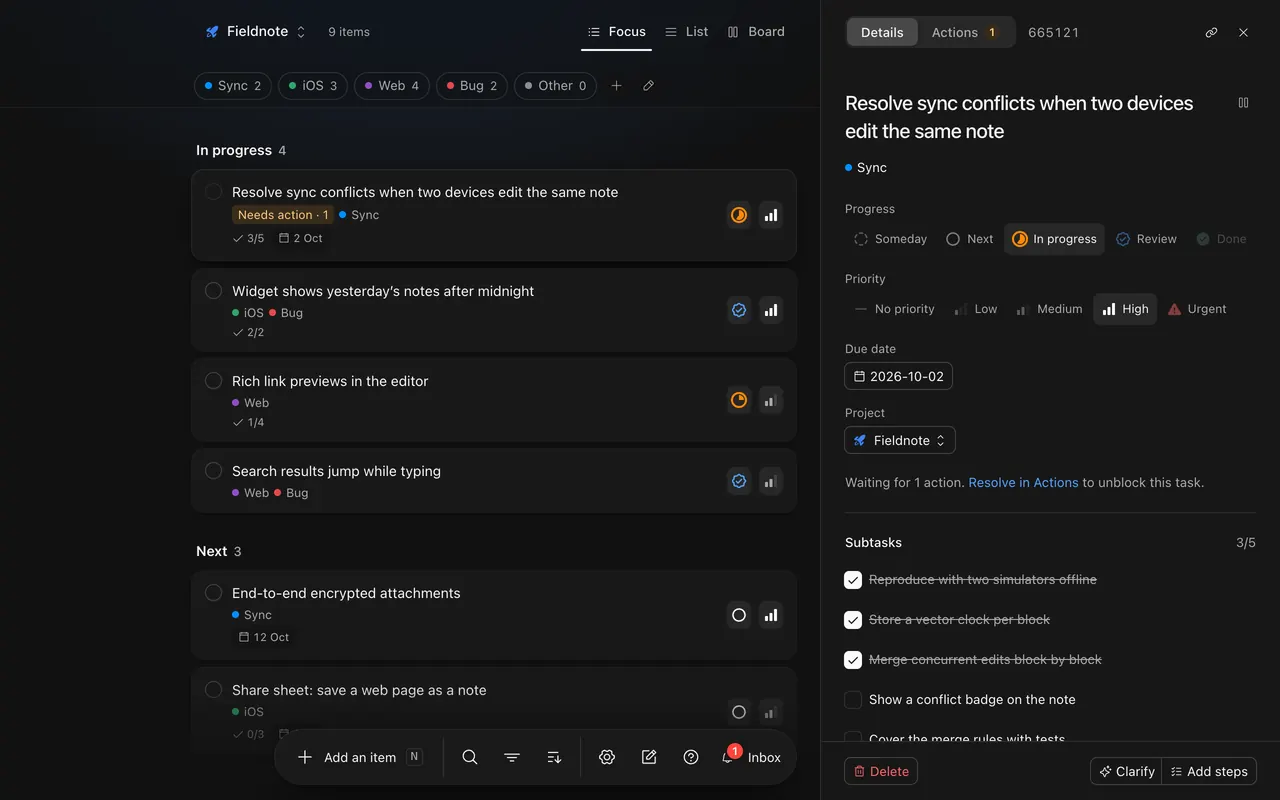
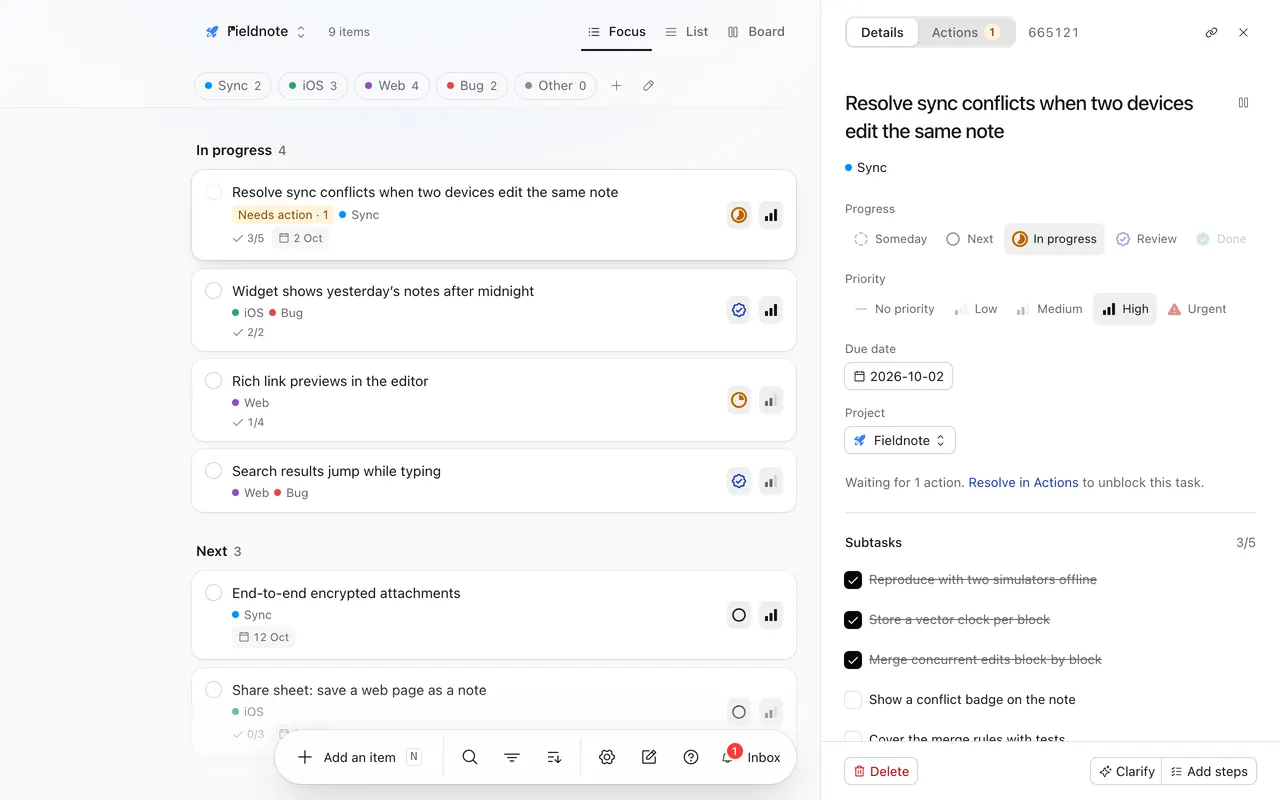
A task board you share with Claude Code and Codex. They work through it, and ask you when they need a decision.
Free. Works with Claude Code, Codex and Claude’s apps.
How it works.
Write the tasks
A task is a goal and its subtasks are the steps. Add them in the browser, on your phone or from any Mac app.
Connect your agent
Install the plugin in Claude Code or Codex and sign in once. It takes about a minute.
Answer when it asks
The agent works through the steps and ticks them off. When it needs a decision, the task waits for you.
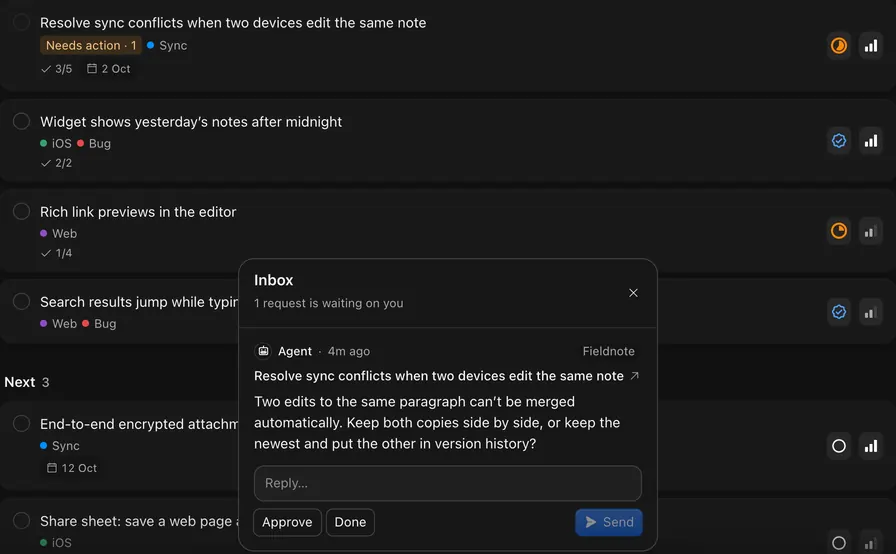
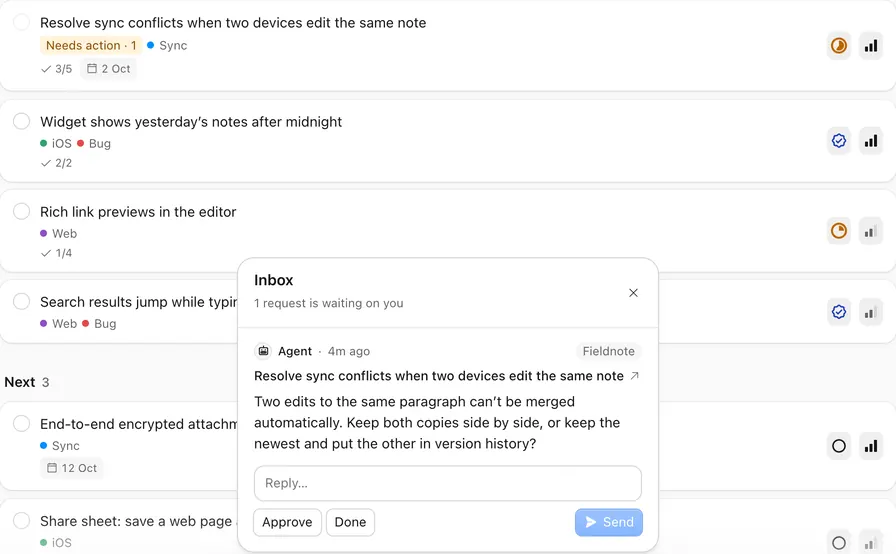
Agents ask.
You answer.
When an agent needs a decision, it asks on the task and the task waits. Reply from the inbox, a Mac widget or the notification, and the agent reads your answer the next time it checks in.
- Agents connect over MCP and sign in with OAuth. Disconnect one at any time.
- Activity marks every change as yours or an agent’s.
- When an agent opens a task, it’s told what you changed since it last looked.
Write it down before it’s gone.
Press N and type. Slash commands set the status, priority, tags and project as you write. Tab adds a subtask, and a pasted image is attached.
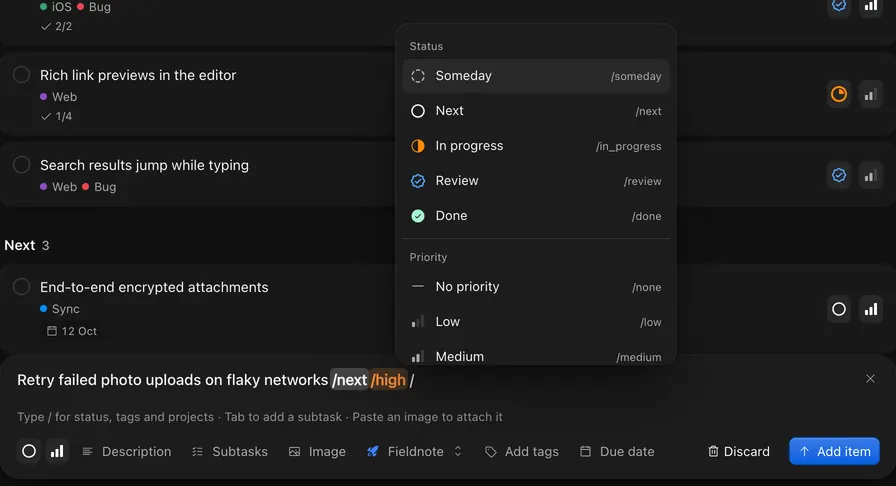
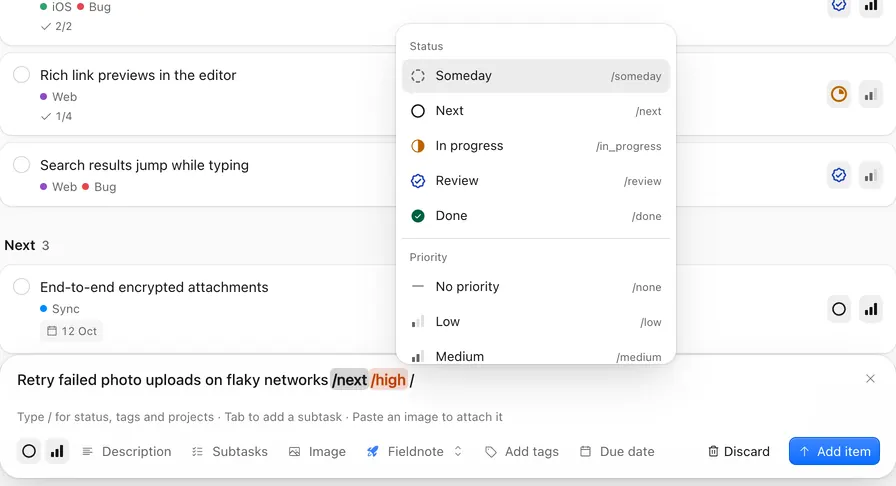
/someday/next/in_progress/review/done/high/urgent/Sync
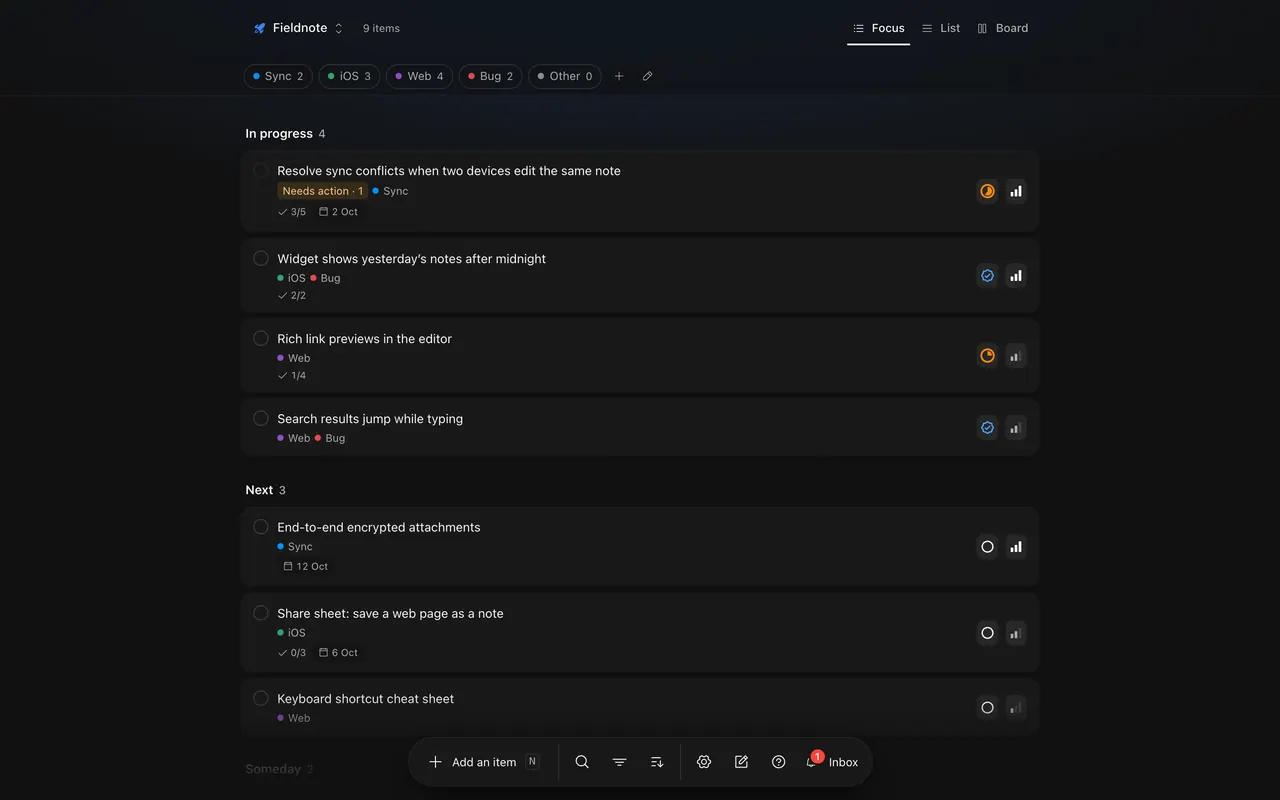
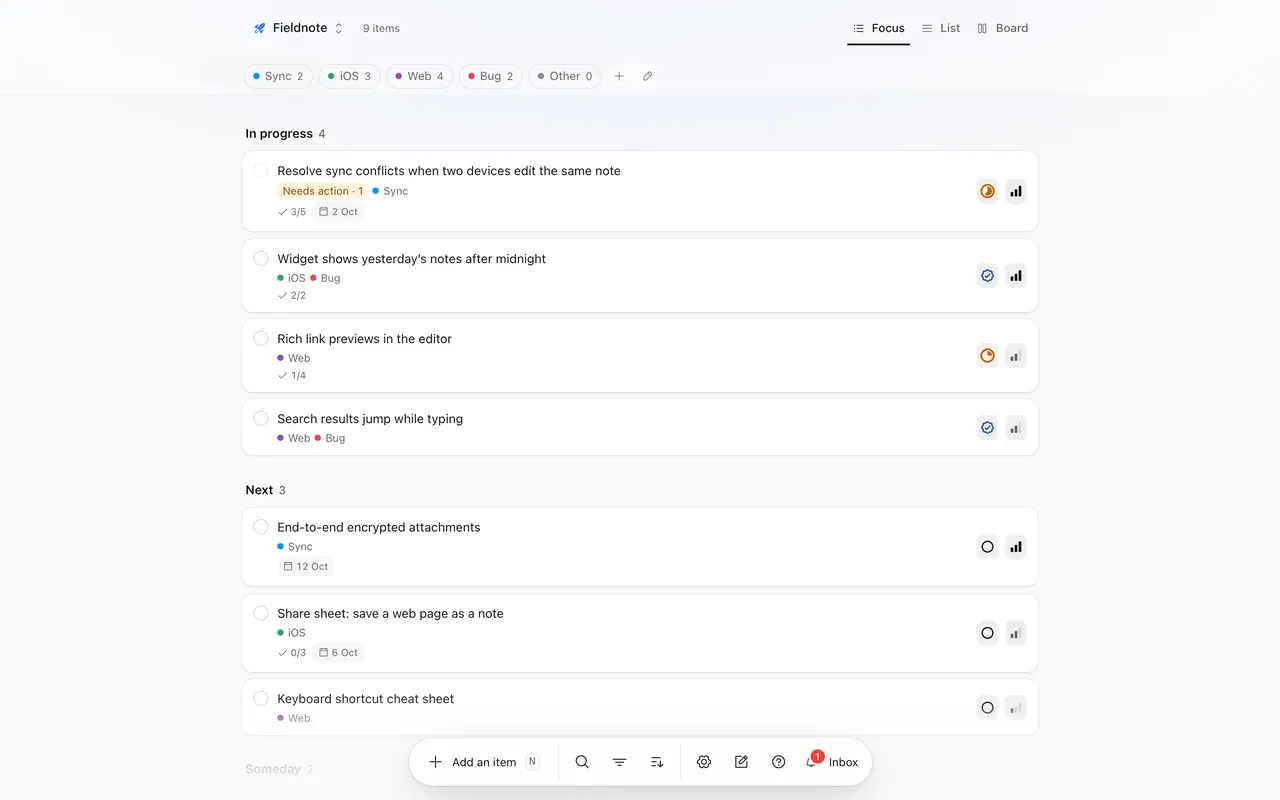
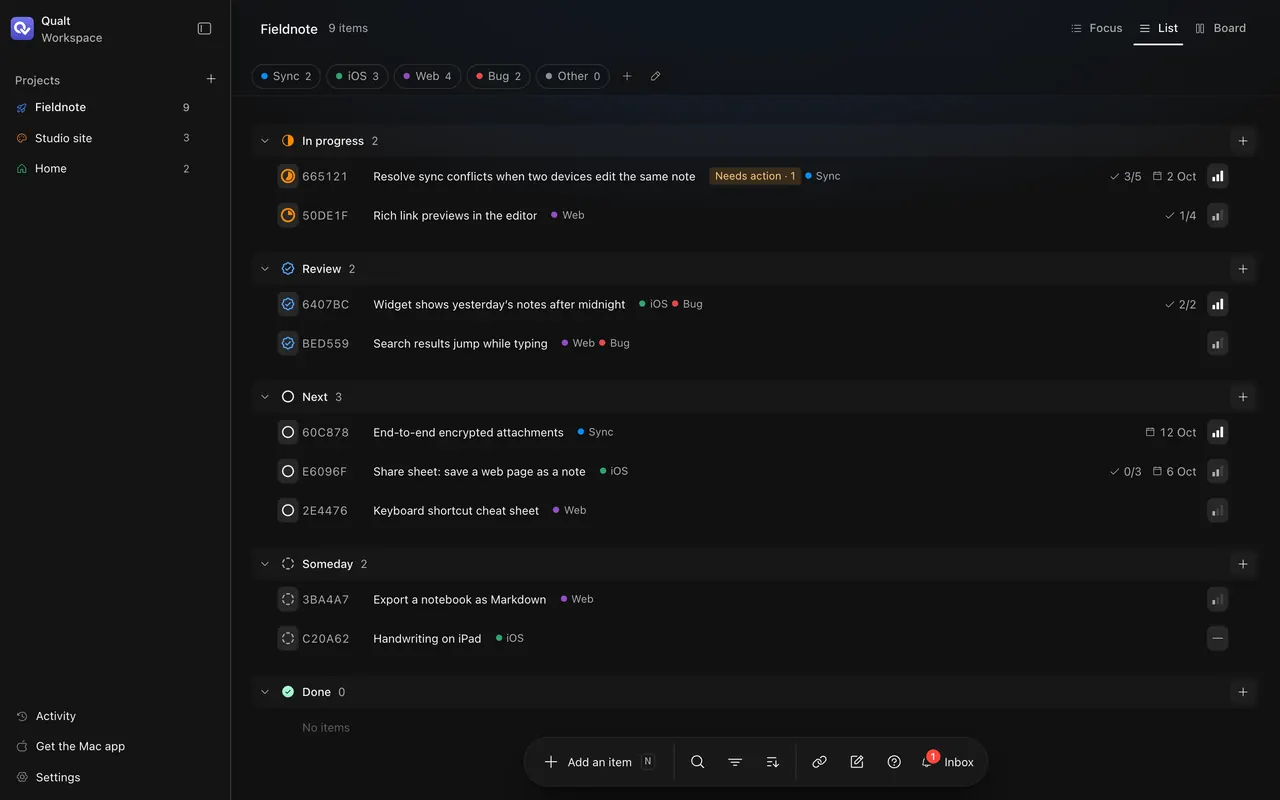
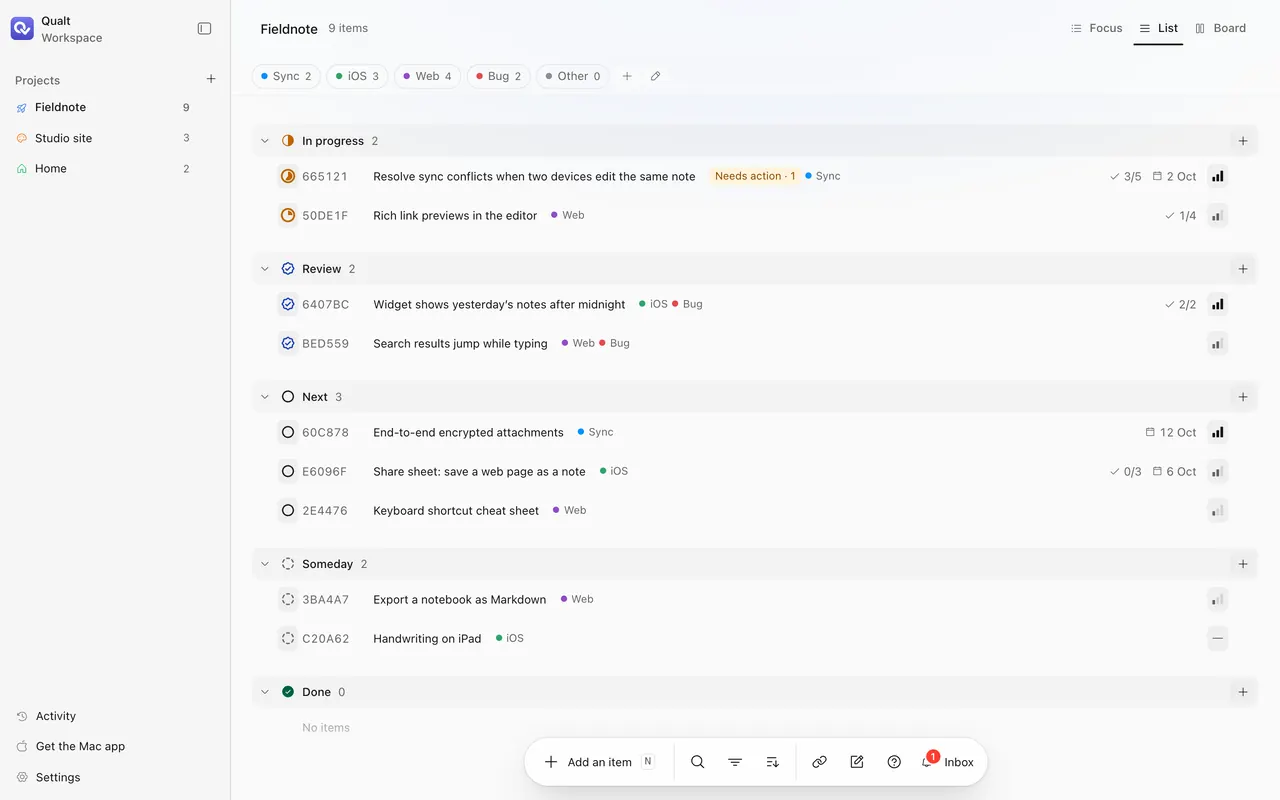
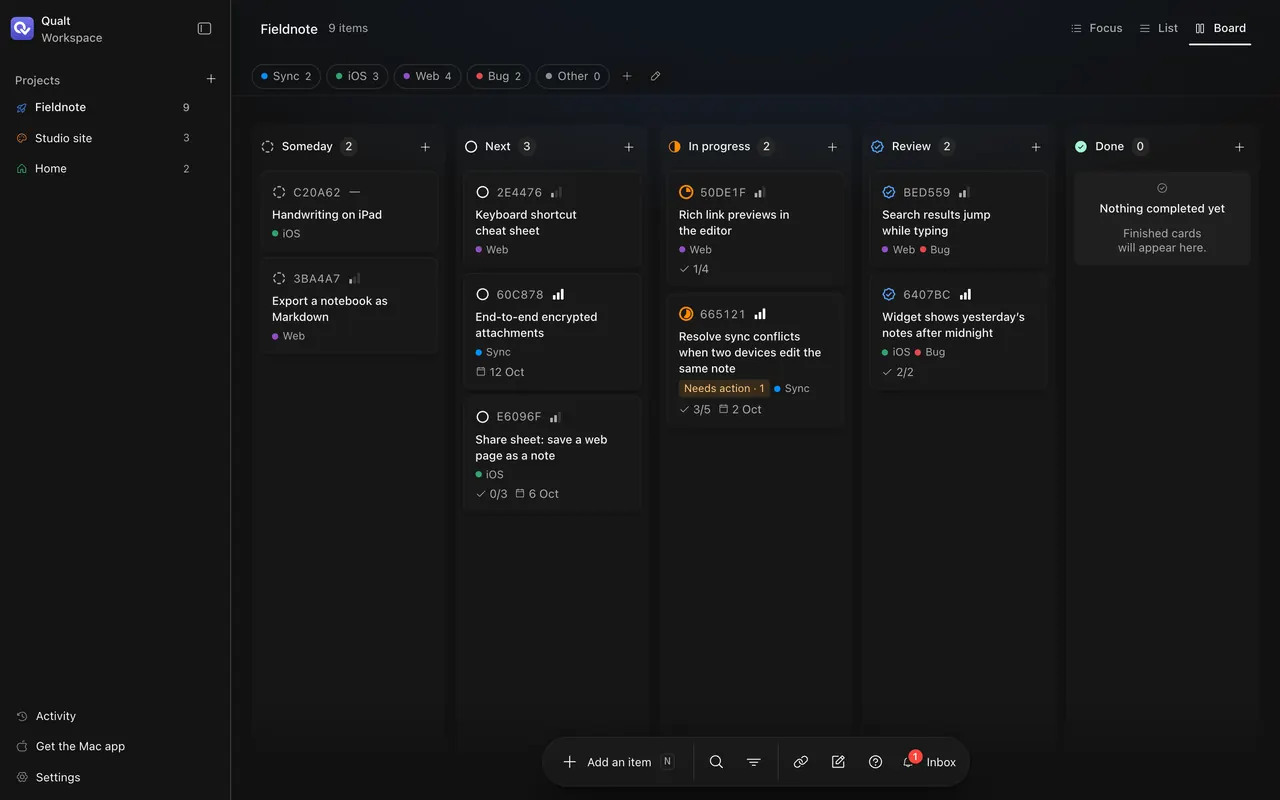
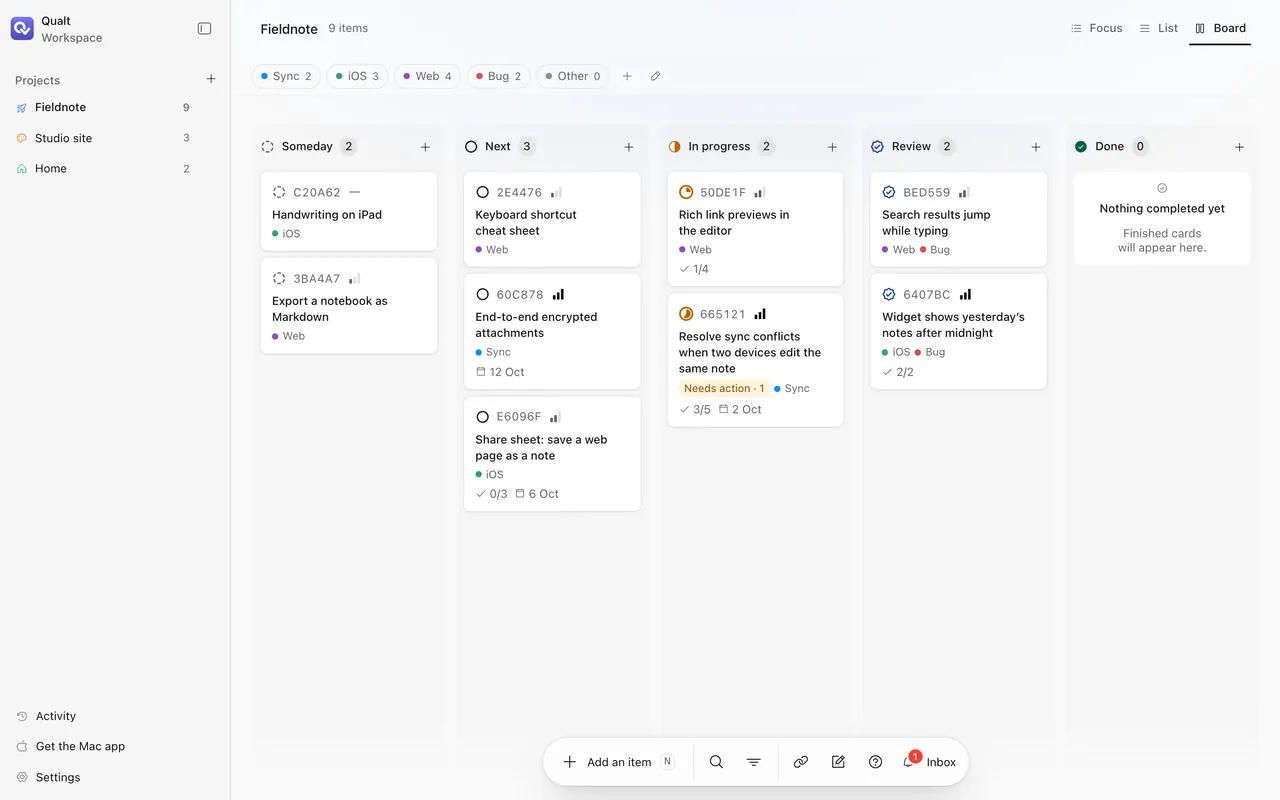
One board, three ways to look at it.
What’s in progress, what’s next, and nothing else. It’s the view phones open in.
Help where it saves typing.
Small, specific helpers. Each one changes only what you ask it to.
Auto-tag
New tasks are tagged from your project’s own tags. Tags you set yourself are never replaced.
Clarify
Rewrites a vague title so it says what to do, and fills in notes only when they’re empty.
Add steps
Breaks a task into two to eight subtasks, skipping steps that are already there.
Suggest tags
Proposes a small tag set for a project, with the reason for each one.
Merge
⌘-click tasks to combine them. Each becomes a subtask of the new one and keeps its notes and images.
Press ⌘ twice, from any app.
Select text, a link, an image or a file and it becomes a task on the spot, with Undo right beside it. With nothing selected, a small panel opens for typing or the clipboard.
- Widgets for your tasks and for questions agents are waiting on
- Answer an agent straight from its notification
- Capture from the Share menu, Services, Shortcuts or a drag onto the Dock
- A menu bar item, so the Dock icon can go
Coming to the App Store for Mac and iPhone. The Mac app needs macOS 27.
Connect your agent in a minute.
Install the plugin, then sign in from the agent: in Claude Code, open /mcp and choose Authenticate. Claude on the web, desktop and phone can add Qualt as a custom connector.
claude plugin marketplace add xcaeser/qualt-plugins
claude plugin install qualt@qualtcodex plugin marketplace add xcaeser/qualt-plugins
codex plugin add qualt@qualtQuestions, answered.
Which agents work with Qualt?
Claude Code and Codex have plugins. Claude on the web, desktop and phone can add Qualt as a custom connector. Any other MCP client that supports OAuth can connect to the same server.
What can an agent do on my board?
Read your projects, add and update tasks, tick off subtasks, move work between statuses and ask you a question. Activity marks every change as yours or an agent’s, and you can disconnect an agent at any time.
How does an agent know what to work on?
Ask it to pick up the next task. It reads the board and leaves alone anything that is paused, done or waiting on your answer.
Is my work private?
Yes. Every account gets its own workspace, and an agent reaches only the workspace of the person who signed it in.
Do I need the Mac app?
No. Qualt runs in any browser, including on a phone. The Mac app adds ⌘⌘ capture, widgets and notifications you can answer from.
What does it cost?
Qualt is free.

Your workspace, your agents.
Free, with a private workspace for every account.